Connected digital microscopy

The digital microscope stationfor your classroom and your desk

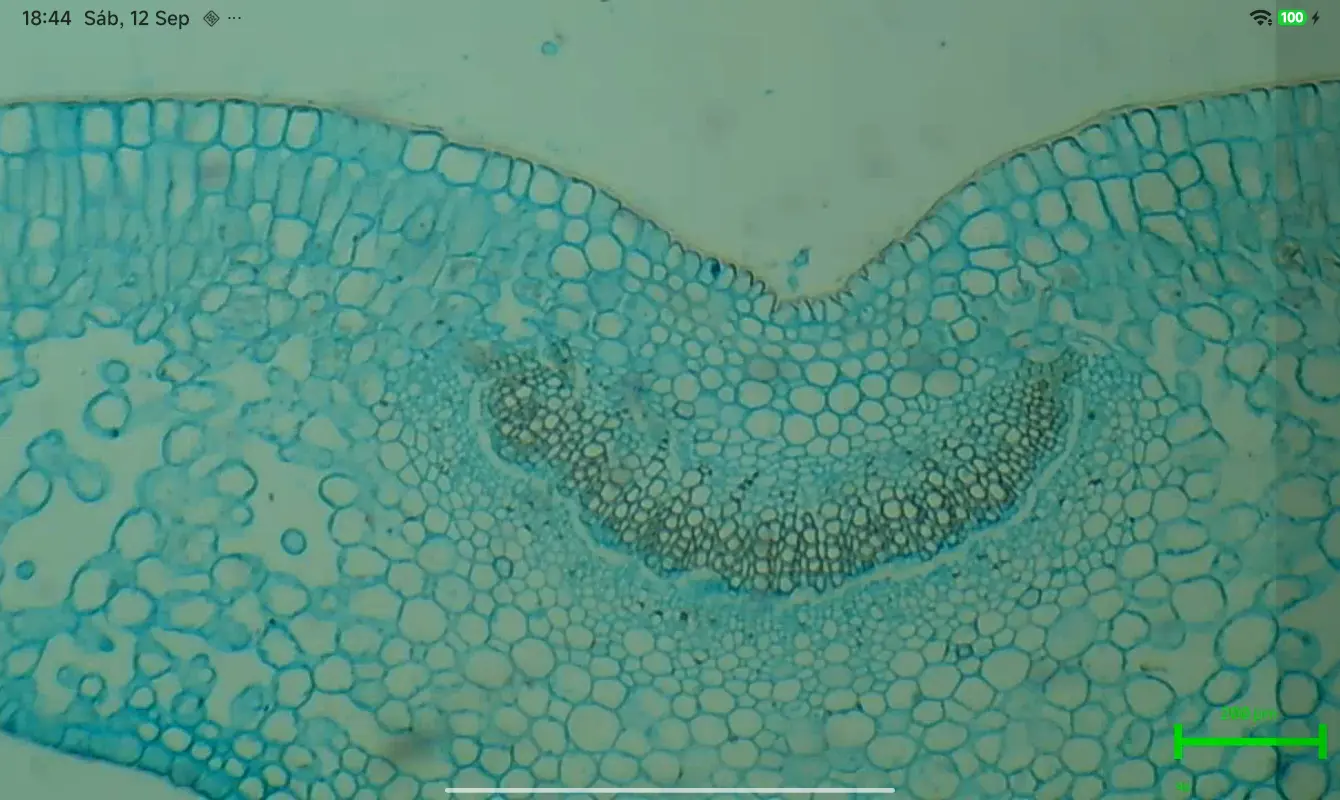
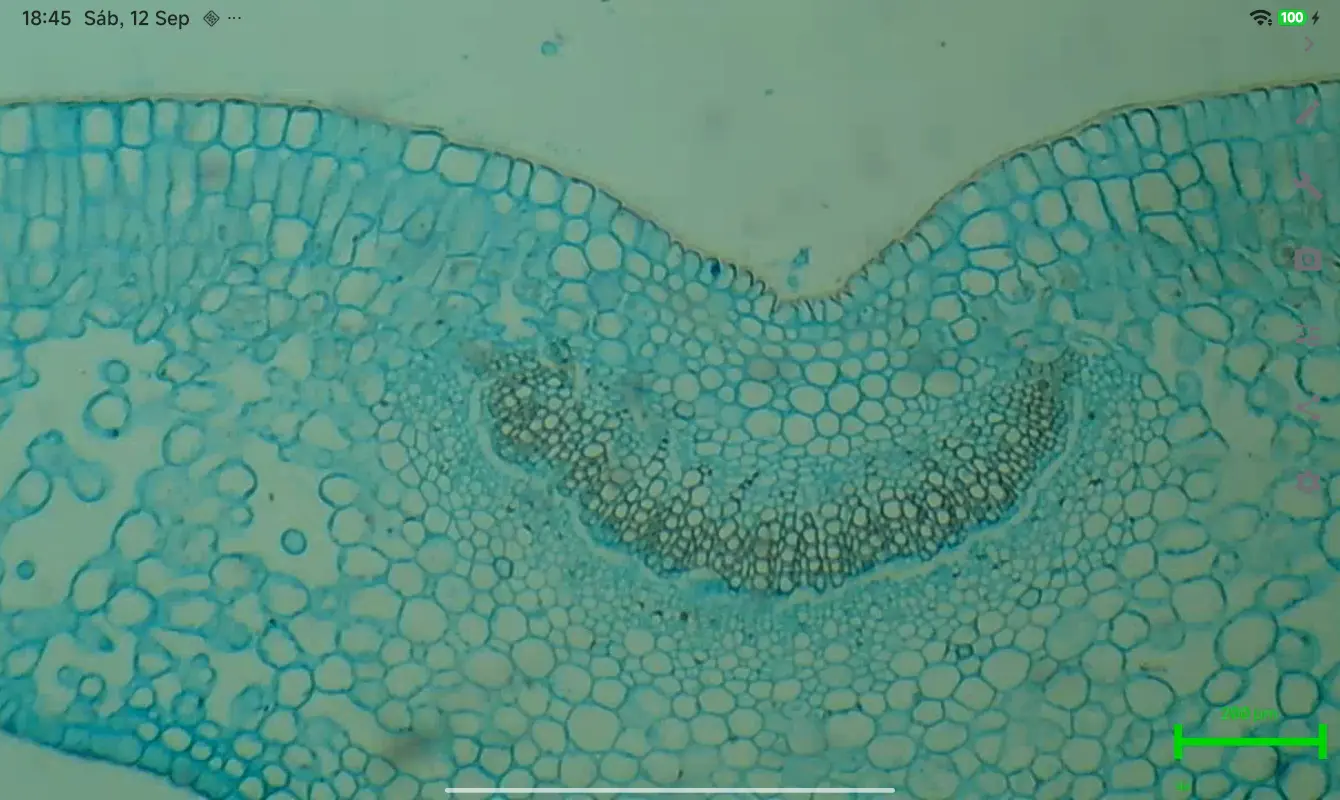
Watch live, annotate and measure in micrometers. microbeVision connects your microscope to the tablets in your classroom or to your home station: real-time video, collaborative whiteboard and measurement tools.

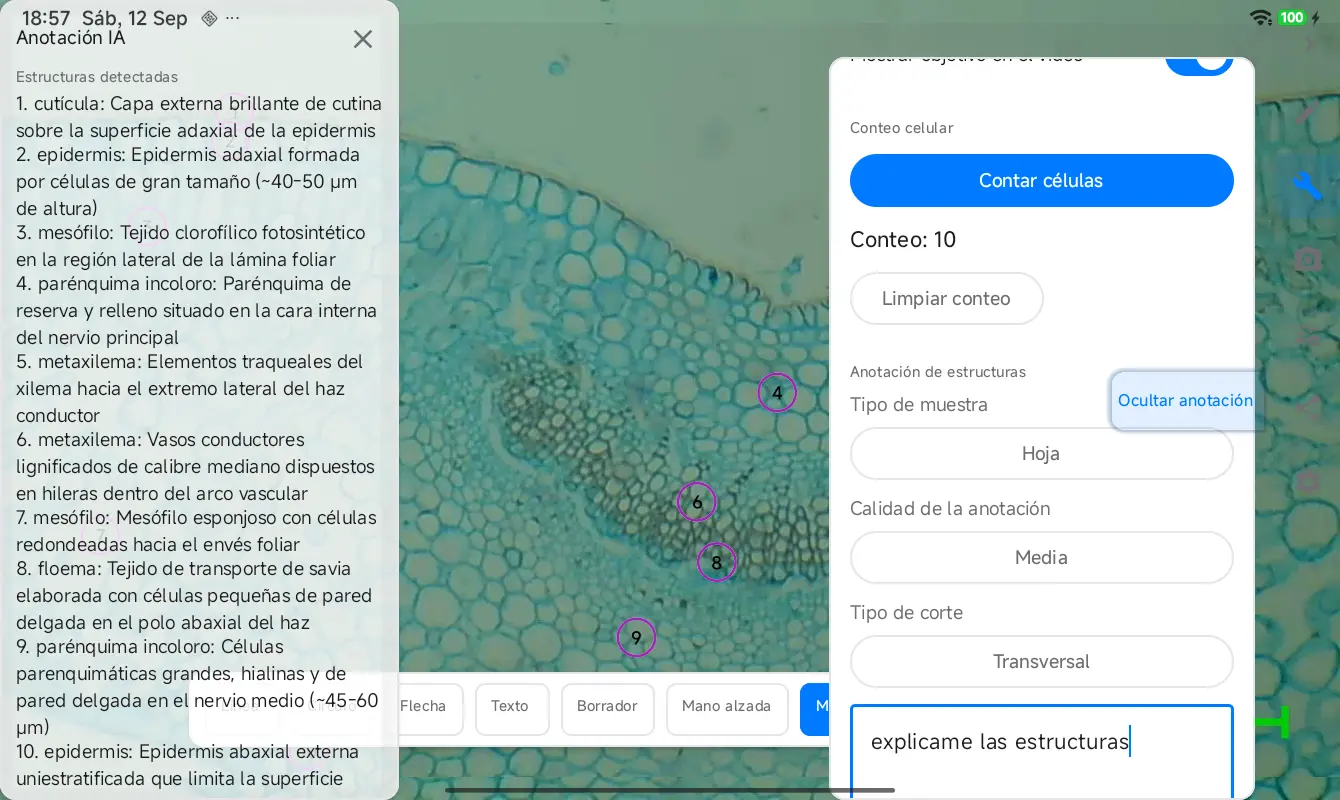
With the AI connected, identify and describe the structures in your sample instantly: learn what you are looking at as you observe.

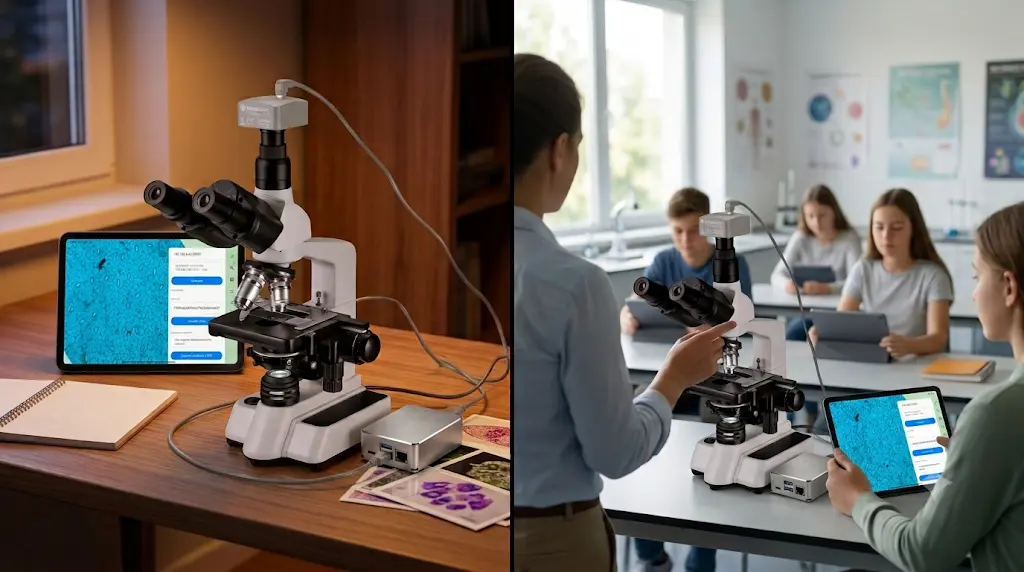
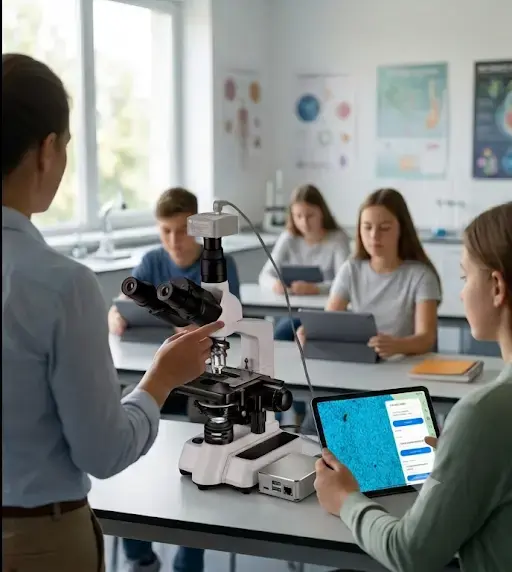
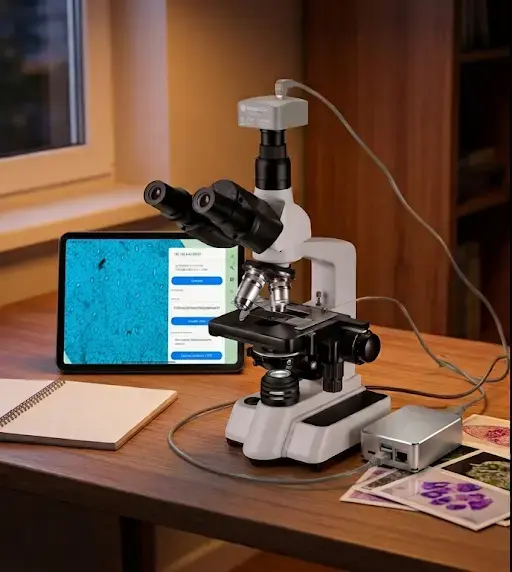
microbeVision microscope station: microscope connected to a tablet with the analysis interface and its use in the classroom

Who it is for

In the classroom and on your desk: two ways to use the same station, with equal weight.

Teaching: Biology classrooms, vocational training and university

Biology classrooms, vocational training and university

Teaching

Bring the same sample to every tablet in your classroom: the whole group observes, annotates and learns together.

  • One live sample for the whole class, no queues at the microscope
  • Students annotate and keep their own digital notebook
  • Collaborative whiteboard to point out structures together
  • The AI identifies and describes what you are seeing: learning by observing
See use cases →
Amateur microscopist: Advanced hobbyists who want rigor

Advanced hobbyists who want rigor

Amateur microscopist

Your home observation station: document your samples and measure rigorously in micrometers.

  • Live video from your microscope on your tablet, at home
  • Real micrometer measurement with your objective calibration
  • Digital notebook with photos, annotations and PDF export
  • Find out what you are looking at with the connected AI and learn as you go
See use cases →

Features

Everything you need to observe, measure and document, without touching infrastructure.

Multi-station live video

The microscope image reaches every tablet in the classroom, or yours at home, in real time. No waiting, no queues.

Collaborative whiteboard

Point, draw and annotate on the live image. In class, everyone sees what the teacher points out; at home, your notes on the sample.

Micrometer measurement

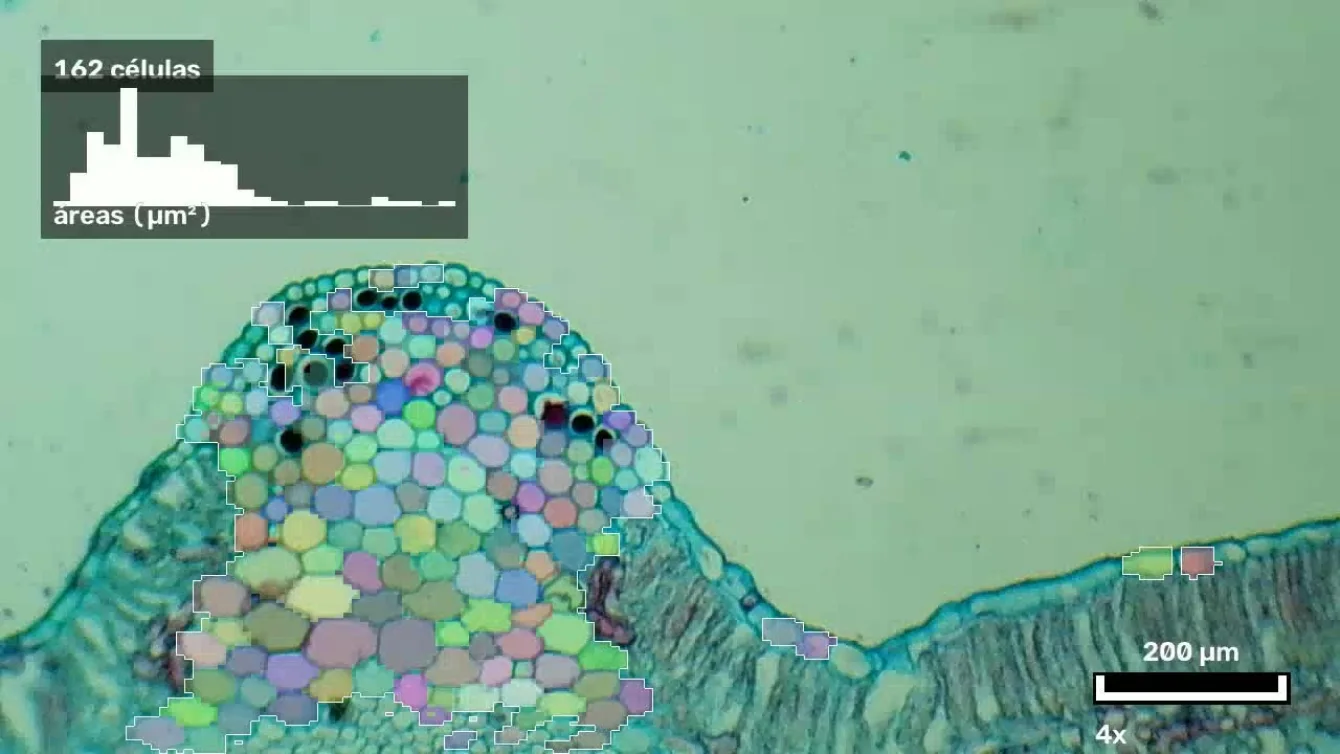
Calibrate each objective with a scale pattern and measure structures rigorously: real micrometer divisions, not pixels.

AI to identify and learn

With an OpenRouter API key, the AI points out and describes the structures in your sample: find out what you are looking at and learn as you observe.

Digital notebook and PDF

Save photos, strokes and descriptions. Your lab notebook exports to PDF: ready to submit, study or archive.

Capture, recording and flat-field

Take photos, record video and correct lighting live with flat-field correction so your sample looks clean and uniform.

Use cases

Real situations, so the fit is obvious in your case.

Teaching

The whole class observes the same sample

Place the slide under the objective and every student sees it on their own tablet, live. No turns, no crowding.

Teaching

Students measure and document

Each tablet measures in micrometers and keeps its digital notebook with photos and notes. The teacher sees what each student points out.

Teaching

Understanding what you are seeing

The AI marks and describes the structures on the image: a first approach that invites you to look and ask.

Teaching

Practicals without infrastructure

The server is a classroom Mini PC or Raspberry Pi and the tablets connect to the local network. No cloud, no per-student accounts.

Amateur microscopist

Your home observation station

Connect your microscope to a tablet and observe on a big screen at your workbench, without hiding your head in the eyepiece.

Amateur microscopist

Document collections and samples

Save every slide with its photo, notes and record card. Your sample notebook grows day by day and exports to PDF.

Amateur microscopist

Measure with rigor

Calibrate each objective with a pattern and measure structures in real micrometers. The sample photo keeps the scale bar.

Amateur microscopist

Identify and learn

If you do not know what you are looking at, the connected AI suggests and explains it: every observation becomes a lesson.

Is your case different? Tell us about it and we will advise you with no commitment.

Compatibility

Minimum requirements, no surprises: if your microscope has a USB output, it works.

ComponentRequirement
ServerA Mini PC or a Raspberry Pi from your classroom or your home, connected to your microscope.
CamerasStandard compatible USB cameras (UVC): the ones that connect to any digital microscope.
TabletsAndroid tablets (version 11 or newer), any brand.
NetworkIt only works on your local network (classroom or home WiFi).

Want to see microbeVision in action?

Request a demo with your own microscope or ask for commercial information. We reply with no commitment.

Request a demo

Also by email: [email protected]